
Node.js Social Media Downloader API
In Node.js 18 or newer you need no SDK and no npm package: fetch the public link to POST https://developers.getinsaver.com/v1/resolve, read the items array, and stream each file to disk. The same request works for Instagram, TikTok, X, Pinterest and Telegram; only the service ID changes.
Key facts
- Endpoint
- POST /v1/resolve (one endpoint for every service)
- Free trial
- 20 result credits after email verification, no card
- Price
- from $19 for 7,500 results ($1.33–$2.53 per 1,000)
- Billing
- prepaid credits, no subscription, no expiry; failed or empty requests cost 0
- Credits per result
- 1 (Instagram, TikTok, X, Pinterest) or 2 (Stories, Highlights, Telegram)
- Limits
- up to 20 items per request; 120 requests per minute per account; 2 in progress at once on the trial, 8 on paid accounts
Steps
- Create a free account and verify your email. You get 20 free credits, no card needed.
- Create an API key in Dashboard → API keys and store it as the environment variable
GIS_KEYon your server. - Save the script below as
resolve.mjsand runGIS_KEY=gis_live_... node resolve.mjs.
Complete Node.js example
// Node.js 18+ (built-in fetch, no packages). Run: GIS_KEY=gis_live_... node resolve.mjs
import { createWriteStream } from "node:fs";
import { mkdir } from "node:fs/promises";
import { Readable } from "node:stream";
import { pipeline } from "node:stream/promises";
const API_URL = "https://developers.getinsaver.com/v1/resolve";
const EXT = { "video/mp4": ".mp4", "image/jpeg": ".jpg", "image/png": ".png", "image/webp": ".webp", "audio/mpeg": ".mp3" };
const sleep = (ms) => new Promise((resolve) => setTimeout(resolve, ms));
async function resolveLink(service, url, maxResults = 10, retries = 3) {
for (let attempt = 0; ; attempt++) {
const response = await fetch(API_URL, {
method: "POST",
headers: { Authorization: `Bearer ${process.env.GIS_KEY}`, "Content-Type": "application/json" },
body: JSON.stringify({ service, url, max_results: maxResults }),
signal: AbortSignal.timeout(130_000)
});
const data = await response.json();
if (response.ok) return data;
// 429 = rate or concurrency limit, 502/504 = platform hiccup; none of them is charged
if ([429, 502, 504].includes(response.status) && attempt < retries) {
await sleep(Number(response.headers.get("retry-after") || 5) * 1000);
continue;
}
throw new Error(`${data.code}: ${data.message}`);
}
}
// Media URLs expire within minutes to hours, so save the file right away.
async function download(item, name, folder = "downloads") {
const media = await fetch(item.url, { signal: AbortSignal.timeout(120_000) });
if (!media.ok) throw new Error(`download failed: HTTP ${media.status}`);
await mkdir(folder, { recursive: true });
const type = (media.headers.get("content-type") || "").split(";")[0];
const path = `${folder}/${name}${EXT[type] || ".bin"}`;
await pipeline(Readable.fromWeb(media.body), createWriteStream(path));
return path;
}
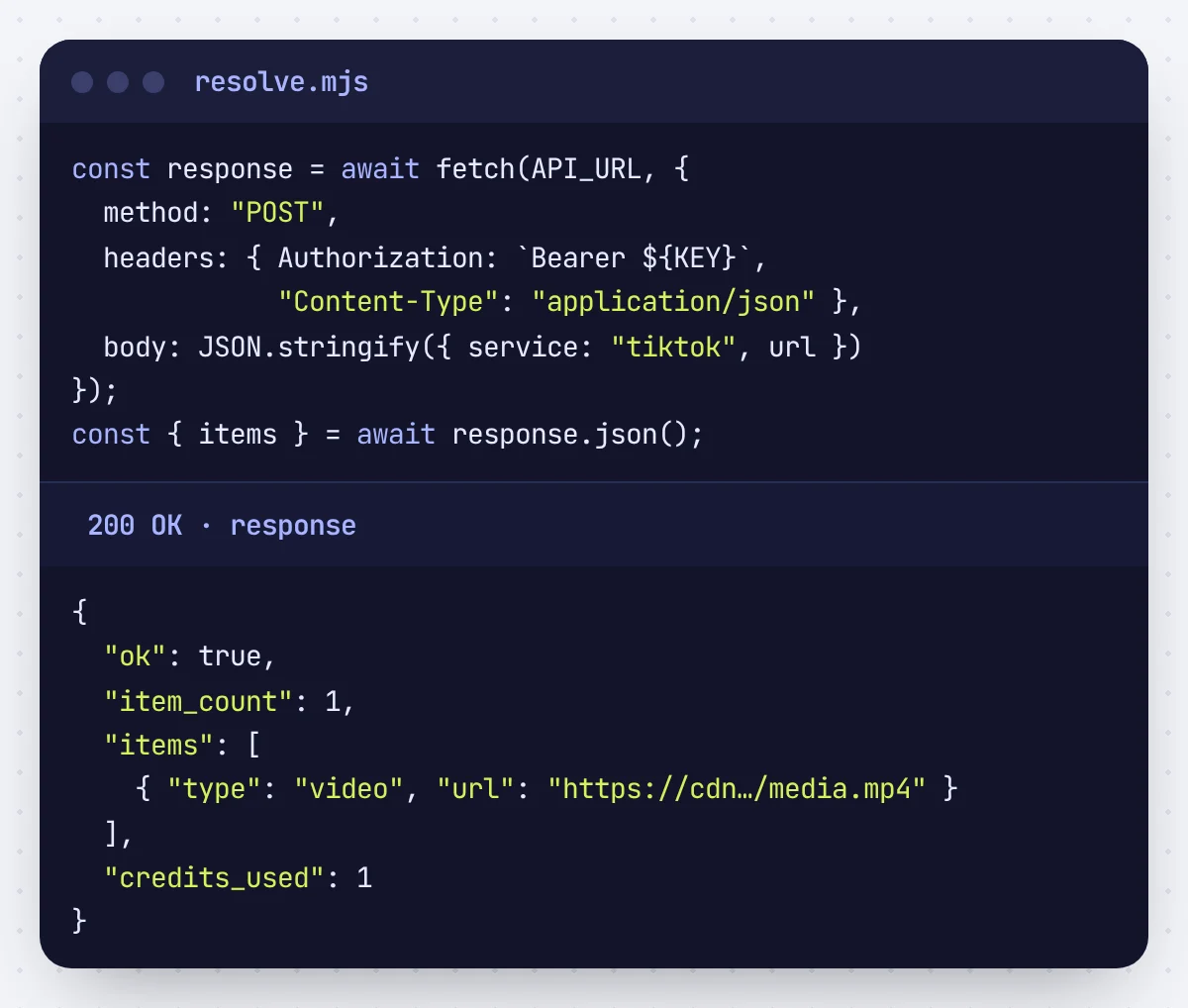
const result = await resolveLink("instagram", "https://www.instagram.com/reel/SHORTCODE/");
console.log(`${result.item_count} items, ${result.credits_used} credits`);
for (const [i, item] of result.items.entries()) {
console.log(item.type, await download(item, `${result.request_id}-${i}`));
}
Call the API from your server, a worker or a serverless function. Never from browser JavaScript: the key would be visible to every visitor. To put a download box on a website, see the downloader website guide, which includes a small backend.
What the API returns
{
  "ok": true,
  "service": "instagram",
  "source_url": "https://www.instagram.com/reel/SHORTCODE/",
  "item_count": 1,
  "items": [
    {
      "type": "video",
      "url": "https://cdn.example/media.mp4"
    }
  ],
  "metadata": {
    "title": null,
    "author": "creator",
    "caption": null
  },
  "request_id": "39a3bff5-0000-4000-8000-000000000000",
  "credits_used": 1
}
Service IDs
| service | Covers | Credits / result | Link format |
|---|---|---|---|
| Instagram Posts & Reels | 1 | instagram.com/p/... | |
| instagram-story | Instagram Stories | 2 | instagram.com/stories/username/... |
| instagram-highlight | Instagram Highlights | 2 | instagram.com/stories/highlights/... |
| tiktok | TikTok | 1 | tiktok.com/@user/video/... |
| x | X / Twitter | 1 | x.com/user/status/... |
| 1 | pinterest.com/pin/... | ||
| telegram | Telegram Public Media | 2 | t.me/channel/123 |
Errors to handle
| HTTP | Code | What to do |
|---|---|---|
| 402 | INSUFFICIENT_CREDITS | Top up, or lower max_results: a request reserves max_results × credits per result first. |
| 422 | UPSTREAM_REJECTED | The post is private, deleted, expired or login-only. Show the message to your user; nothing was charged. |
| 429 | RATE_LIMITED / CONCURRENCY_LIMIT | Wait for Retry-After seconds and retry. 120 requests per minute per account; 2 at once on the trial, 8 after buying credits. |
| 502 / 504 | UPSTREAM_* | Temporary platform failure. Safe to retry; nothing was charged. |
Every error body is JSON with a stable code and a readable message. The full list is in the API reference.
FAQ
Is there an npm package?
Not needed. The API is one JSON endpoint, so built-in fetch is the whole client. The OpenAPI file at /openapi.json can generate a typed client if you want one.
Does it run on serverless platforms?
Yes, if the platform allows outbound HTTPS and a long enough timeout. Requests can take up to two minutes on slow platforms.
Can I use TypeScript?
Yes. The example is plain ES module JavaScript and type-checks with minimal changes; the response shape is documented in the API reference.
Do failed requests cost credits?
No. Credits are reserved while a request runs and refunded in full when it fails or finds no media. You only pay for items that come back.
Related guides
- Python Instagram and TikTok Downloader API
- Video Downloader API for Your Own Website
- n8n Instagram Downloader API
Updated 2026-10-30. The code on this page is executed by our test suite against the API server before every release.